Offline Mode
Stockaj Kiosk is designed to work even without a network connection. Write operations (checkouts and returns) are automatically queued and synced as soon as connectivity is restored.
How It Works
Local Storage
When an operation fails (network error, server timeout, etc.), it is automatically saved in a local SQLite database on the machine. The user sees the confirmation screen as if the operation succeeded — no additional action is required.
Automatic Synchronization
The kiosk checks the queue status every 5 seconds. When connectivity is restored:
- Pending operations are sent one by one, from oldest to newest
- Each successful operation is removed from the queue
- On failure, the operation is retried later
You can also force a sync immediately with the Sync now button on the connection indicator.
Retry Policy
Each queued operation has a maximum of 3 attempts:
| Attempt | Result |
|---|---|
| 1st to 3rd | Retried on the next synchronization cycle |
| After 3 failures | Marked as failed (will no longer be retried automatically) |
Connection Indicator
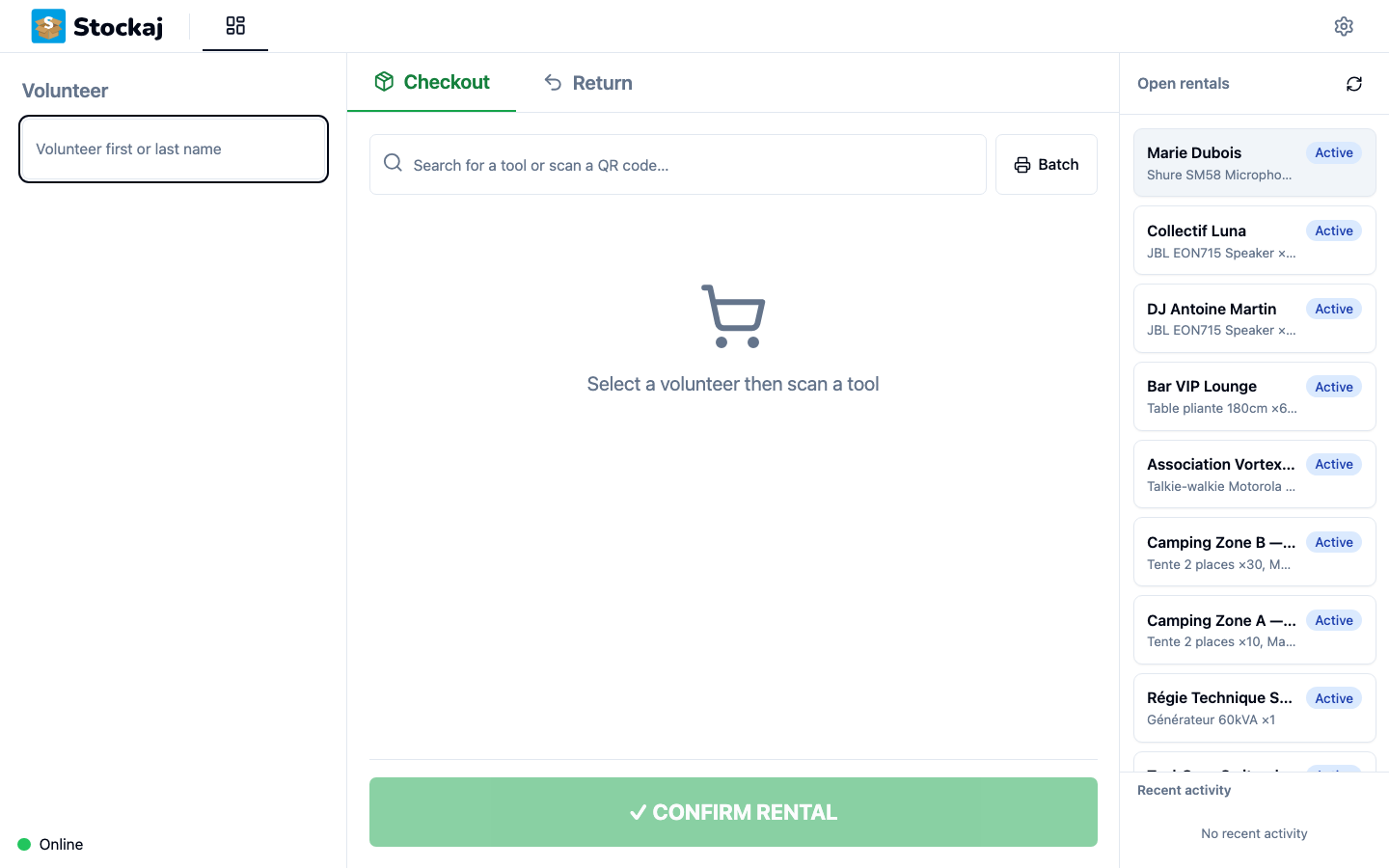
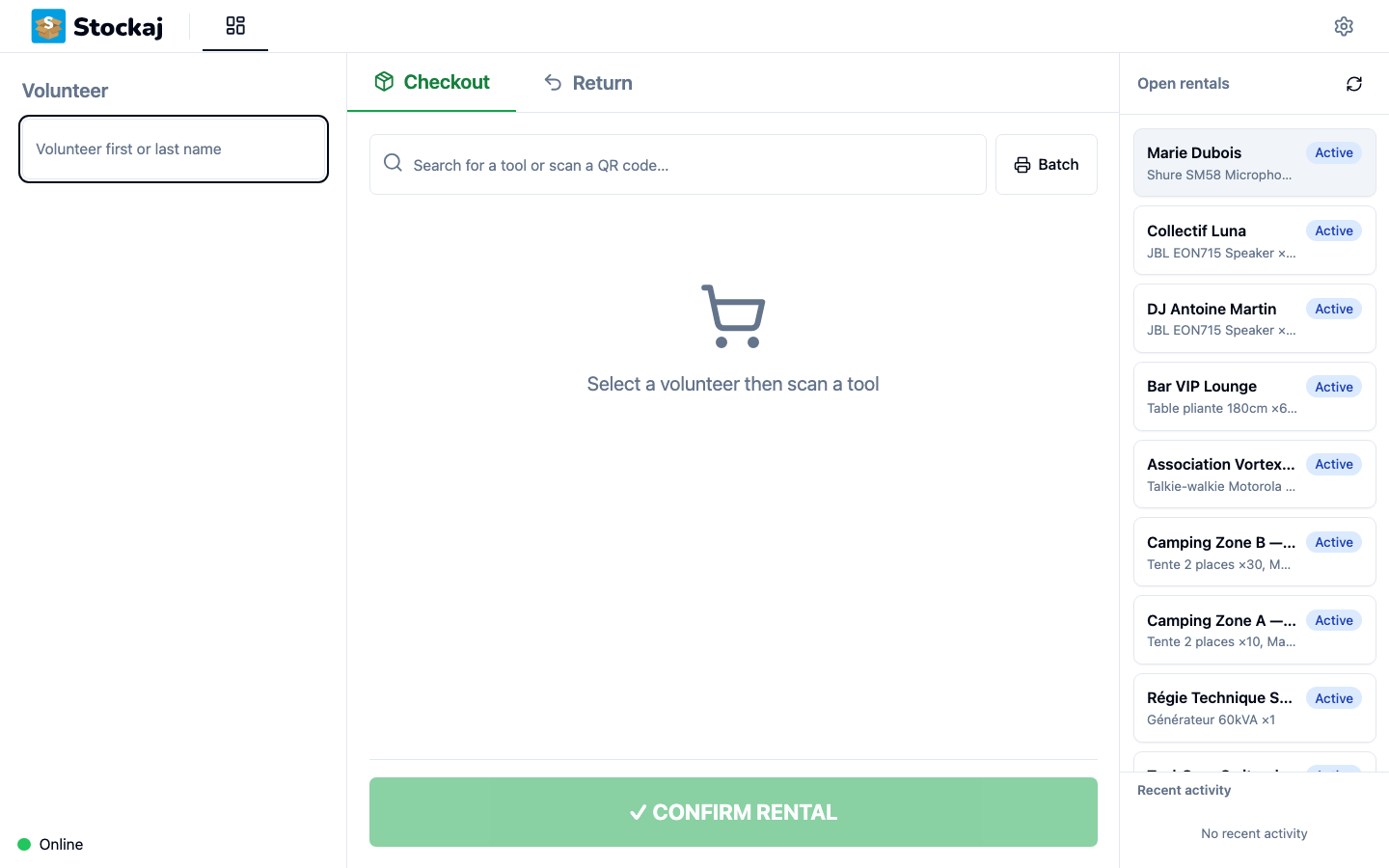
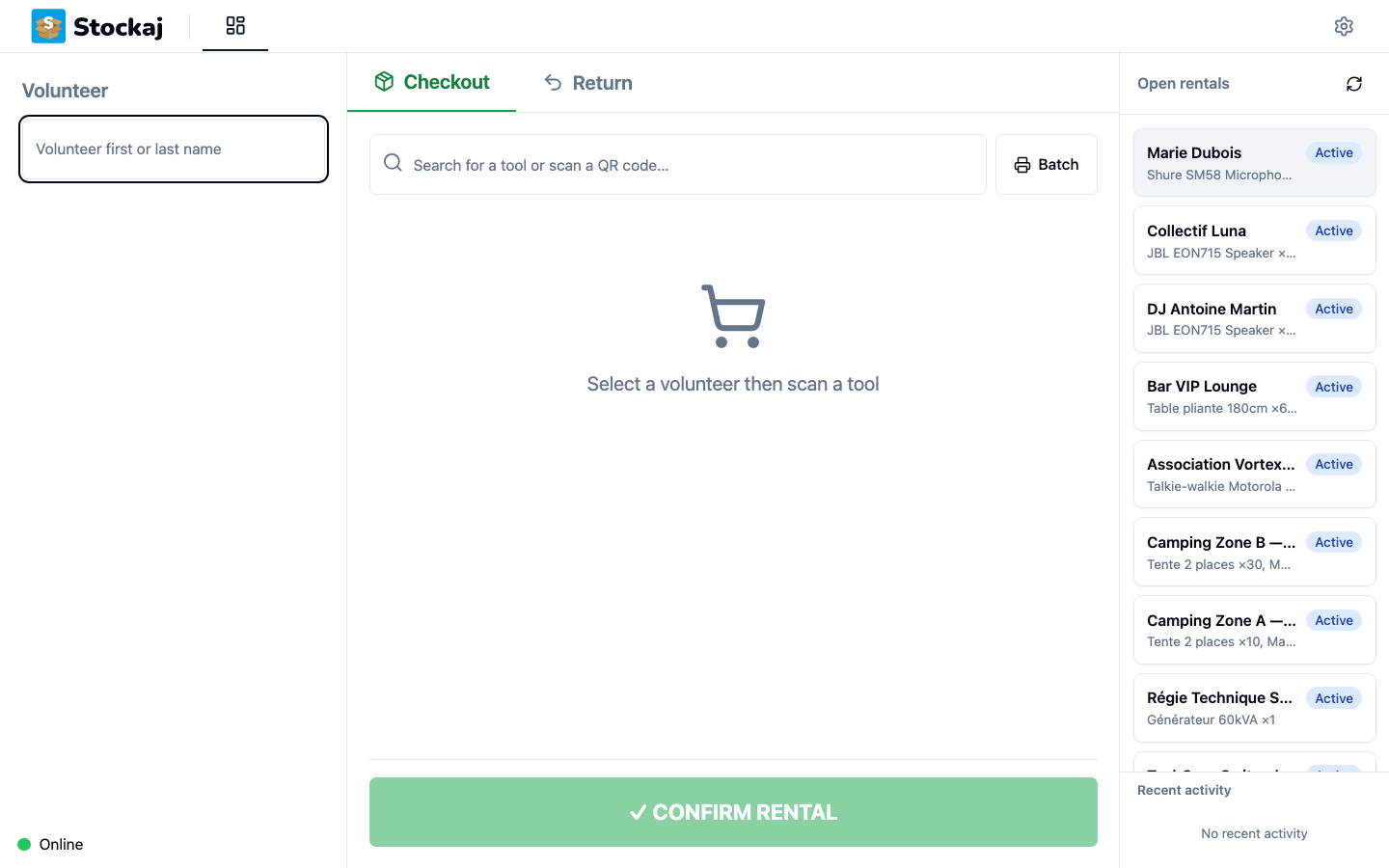
The connection indicator is displayed permanently at the bottom left of the screen, on all pages (cockpit, setup, kiosk mode).
| Indicator | Meaning |
|---|---|
| 🟢 Online | Active connection, no pending operations |
| 🟡 N pending operation(s) | Active connection, operations waiting to sync — a Sync now button is shown |
| 🔴 Offline | No connection to the server |
| ⏳ Syncing… | Pending operations are being synchronized |
Heartbeat
The kiosk sends a ping to the server every 30 seconds to check connectivity. This mechanism quickly detects network outages and reconnections.
Known Limitations
- Searches (volunteers, items) require an active connection — they are not cached
- QR code scans require a connection to identify the item
- Only write operations (creating a checkout, confirming a return) are queued
Locally Stored Data
The offline queue stores the following information for each operation:
| Data | Description |
|---|---|
| URL | Target API endpoint (e.g. /kiosk/movements, /kiosk/bulk-return) |
| Method | The HTTP method of the queued request |
| Data | Request body (identifiers, quantities, notes) |
| Timestamp | Date and time of the operation |
| Retry counter | Number of attempts already made |
| Status | pending, retrying, or failed |
This data is stored in a local SQLite file (offline_queue.db) and is deleted after successful synchronization.