Webhooks
Webhooks let you integrate Stockaj with external systems by sending real-time HTTP notifications when events occur in your workspace.
Webhooks are available on Professional plans and above.
How Webhooks Work
When an event occurs in Stockaj (e.g., a rental is created), Stockaj sends an HTTP POST request to your configured URL with the event details.
Your App ← POST ← Stockaj
                   {
                     "event": "rent.created",
                     "data": { ... },
                     "timestamp": "2025-01-15T10:30:00Z"
                   }
Managing Webhooks
Navigate to Settings → Webhooks to manage your webhooks.
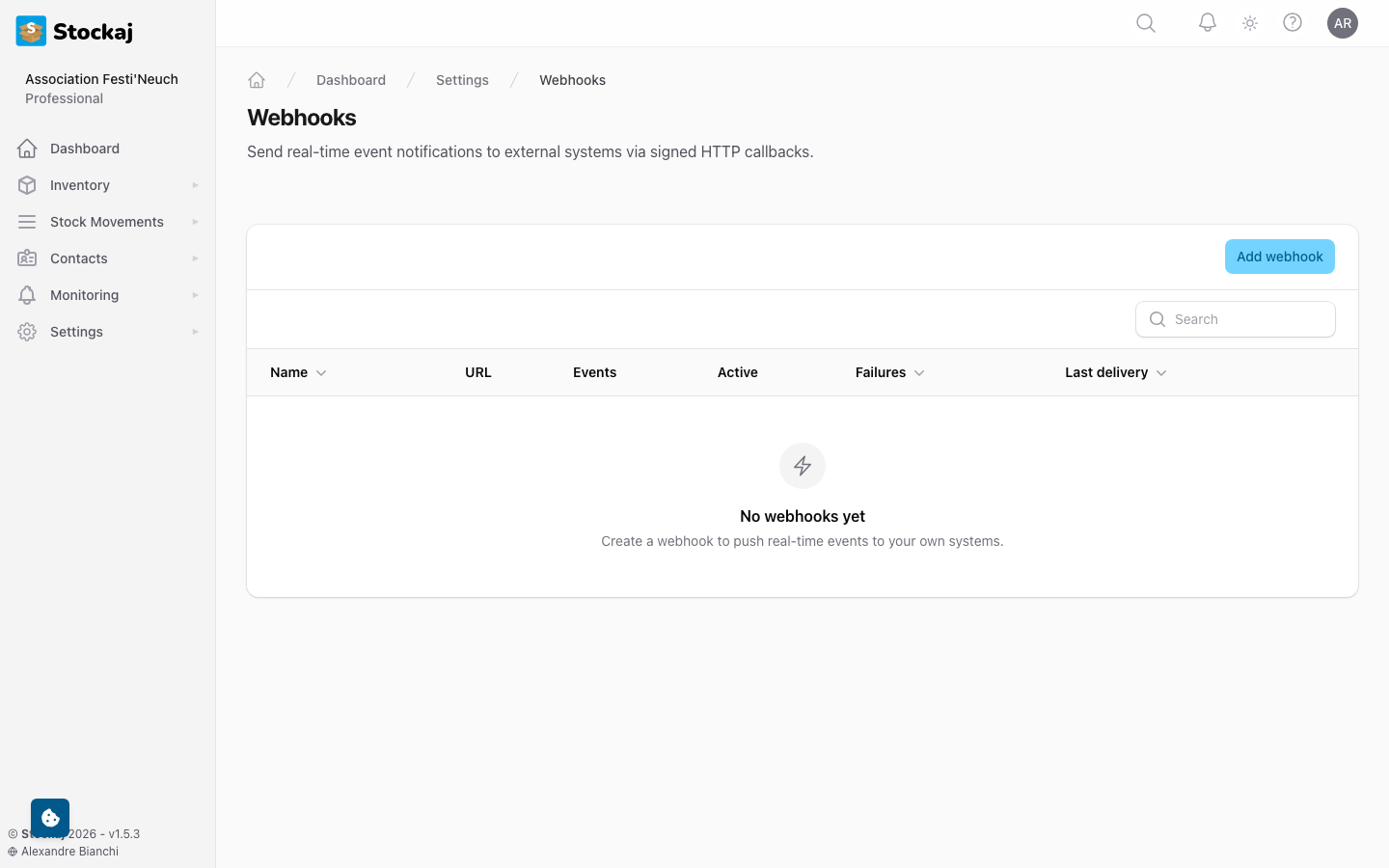
Creating a Webhook
- Go to Settings → Webhooks and click + New Webhook.
- Configure:
| Field | Required | Description |
|---|---|---|
| Name | Yes | A descriptive name (e.g., "Notify Slack on new rentals") |
| URL | Yes | The HTTPS endpoint to receive events |
| Events | Yes | Which events trigger this webhook |
| Timeout | No | Request timeout in seconds (1-30, default: 10) |
- Click Create.
- Copy the secret — it's shown only once! You'll need it to verify webhook signatures.
Available Events
| Event | Description |
|---|---|
* | All events (wildcard) |
rent.created | A new rental was created |
rent.updated | A rental was updated |
rent.status_changed | A rental's status changed |
rent.deleted | A rental was deleted |
item.created | A new item was created |
item.updated | An item was updated |
item.deleted | An item was deleted |
item.low_stock | An item dropped below its minimum quantity |
renter.created | A new renter was created |
renter.updated | A renter was updated |
renter.deleted | A renter was deleted |
Webhook Security
Each webhook has a secret key used to sign payloads. Verify the signature on your end to ensure requests are genuinely from Stockaj.
The signature is sent in the request headers. Compare it against an HMAC-SHA256 hash of the payload using your secret.
Regenerating Secrets
If your secret is compromised:
- Go to the webhook's settings.
- Click Regenerate Secret.
- Update your server with the new secret.
Testing Webhooks
Click Send Test on any webhook to send a test payload to your URL. This helps verify your integration is working correctly.
Test events are rate-limited to prevent abuse.
Delivery Logs
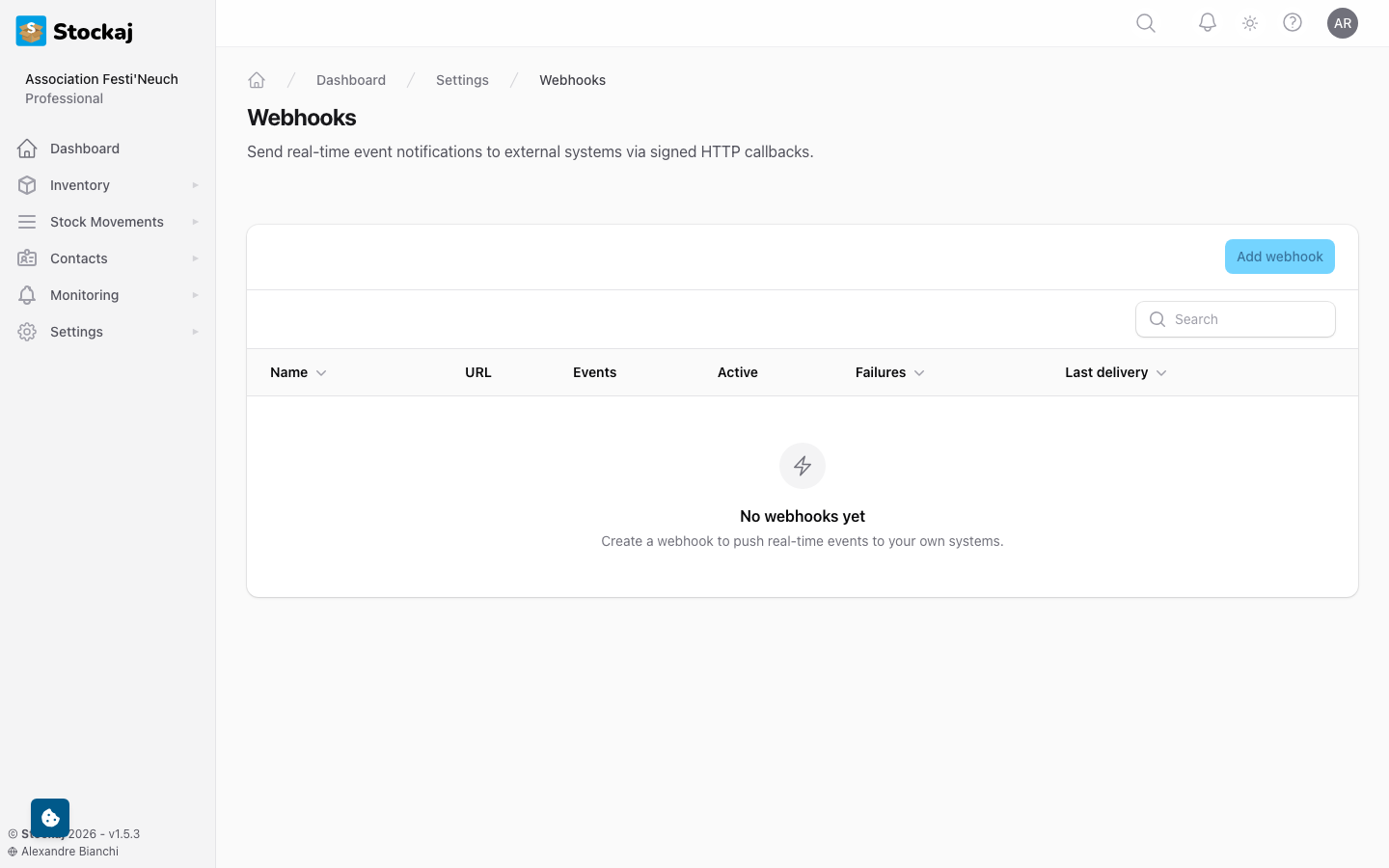
Each webhook tracks its delivery history. Click on a webhook and go to Deliveries to see:
- Request payload
- Response status code
- Response time
- Success/failure status
Webhook Limits
| Plan | Max Webhooks |
|---|---|
| Free | 0 |
| Starter | 0 |
| Professional | 10 |
| Enterprise | Unlimited |