Subscription & Billing
Manage your Stockaj subscription, change plans, and handle payment methods.
Plans
Stockaj offers four plans to fit different needs:
| Feature | Free | Starter | Professional | Enterprise |
|---|---|---|---|---|
| Price (monthly) | CHF 0 | CHF 29 | CHF 99 | CHF 299 |
| Price (yearly) | CHF 0 | CHF 290 | CHF 990 | CHF 2990 |
| Items | 50 | 500 | Unlimited | Unlimited |
| Rentals/month | 20 | Unlimited | Unlimited | Unlimited |
| Renters | 100 | Unlimited | Unlimited | Unlimited |
| Users | 1 | 5 | 20 | Unlimited |
| Workspaces | 1 | 2 | 5 | Unlimited |
| Storage | 100 MB | 1 GB | 5 GB | 20 GB |
| API Access | — | ✓ | ✓ | ✓ |
| Webhooks | — | — | 10 | Unlimited |
| API Requests/day | — | 1,000 | 10,000 | Unlimited |
| Reports | — | Basic | Advanced | Advanced |
| Priority Support | — | — | ✓ | ✓ |
| Custom Branding | — | — | — | ✓ |
| Multi-Location | — | — | — | ✓ |
All paid plans include a 14-day free trial. No credit card required to start.
Yearly Pricing
Save approximately 17% with annual billing. Annual plans are billed once per year.
Managing Your Subscription
Viewing Your Current Plan
Go to Settings → Subscription to see your current plan and usage.
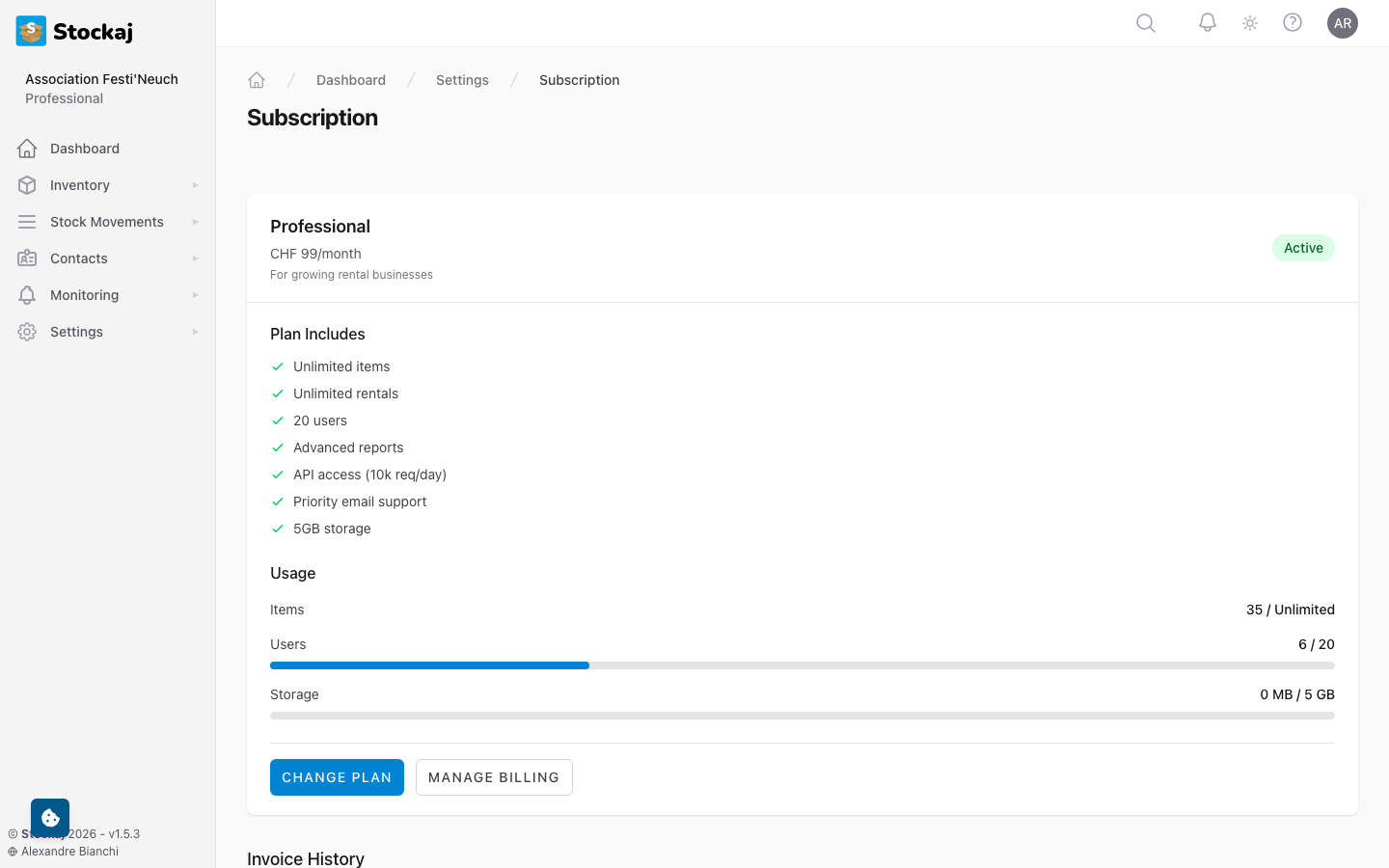
Changing Plans
- Go to Settings → Subscription → Change Plan.
- Select your new plan.
- Review the changes and pricing.
- Confirm the change.
Upgrading takes effect immediately. Downgrading takes effect at the end of your current billing period.
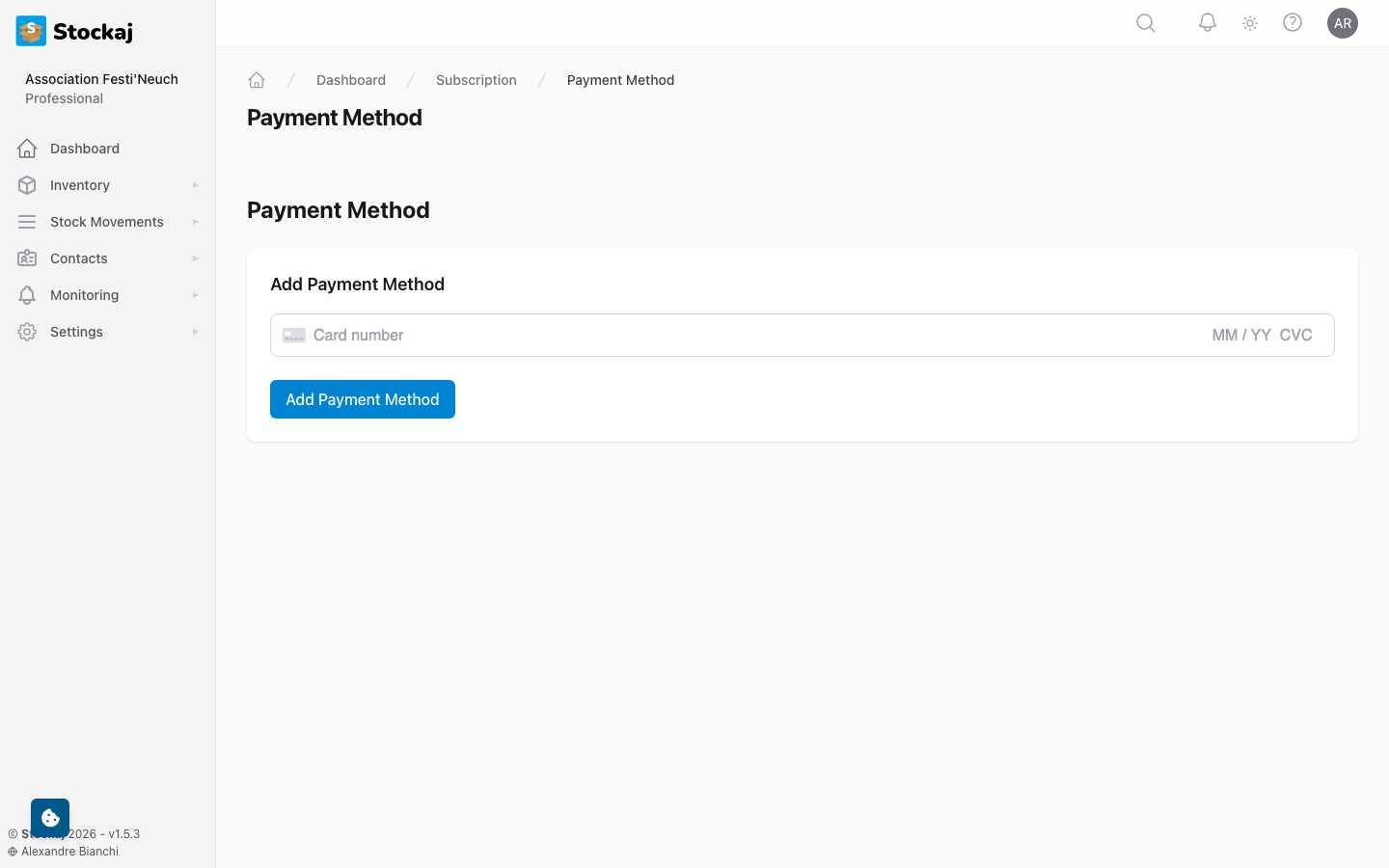
Payment Method
Manage your payment method under Settings → Subscription → Payment:
- Add or update your credit card
- View billing information
- Download invoices
Invoice History
View and download past invoices from the subscription page.
Usage Limits
Stockaj warns you when you approach your plan limits:
- 80% — Information notice
- 90% — Warning notice
- 100% — Limit reached, action required
When a limit is reached, you'll need to upgrade your plan or reduce usage to continue.
Grace Period
If your subscription ends (e.g., payment failure), there is a 7-day grace period during which your data remains accessible. After the grace period, your workspace may be restricted to read-only mode.
Billing FAQ
Q: Can I try a paid plan before committing? A: Yes! All paid plans include a 14-day free trial.
Q: What happens to my data if I downgrade? A: Your data is preserved. However, if you exceed the lower plan's limits, you may need to reduce usage.
Q: How do I cancel my subscription? A: Go to Settings → Subscription and click Cancel. Your plan remains active until the end of the billing period.
Q: Can I get a refund? A: Contact support for refund requests within 30 days of purchase.