Managing Renters
Renters are your contacts — the people or organizations who borrow items from your inventory. Stockaj provides a full contact management system to track renter details and history.
Renters List
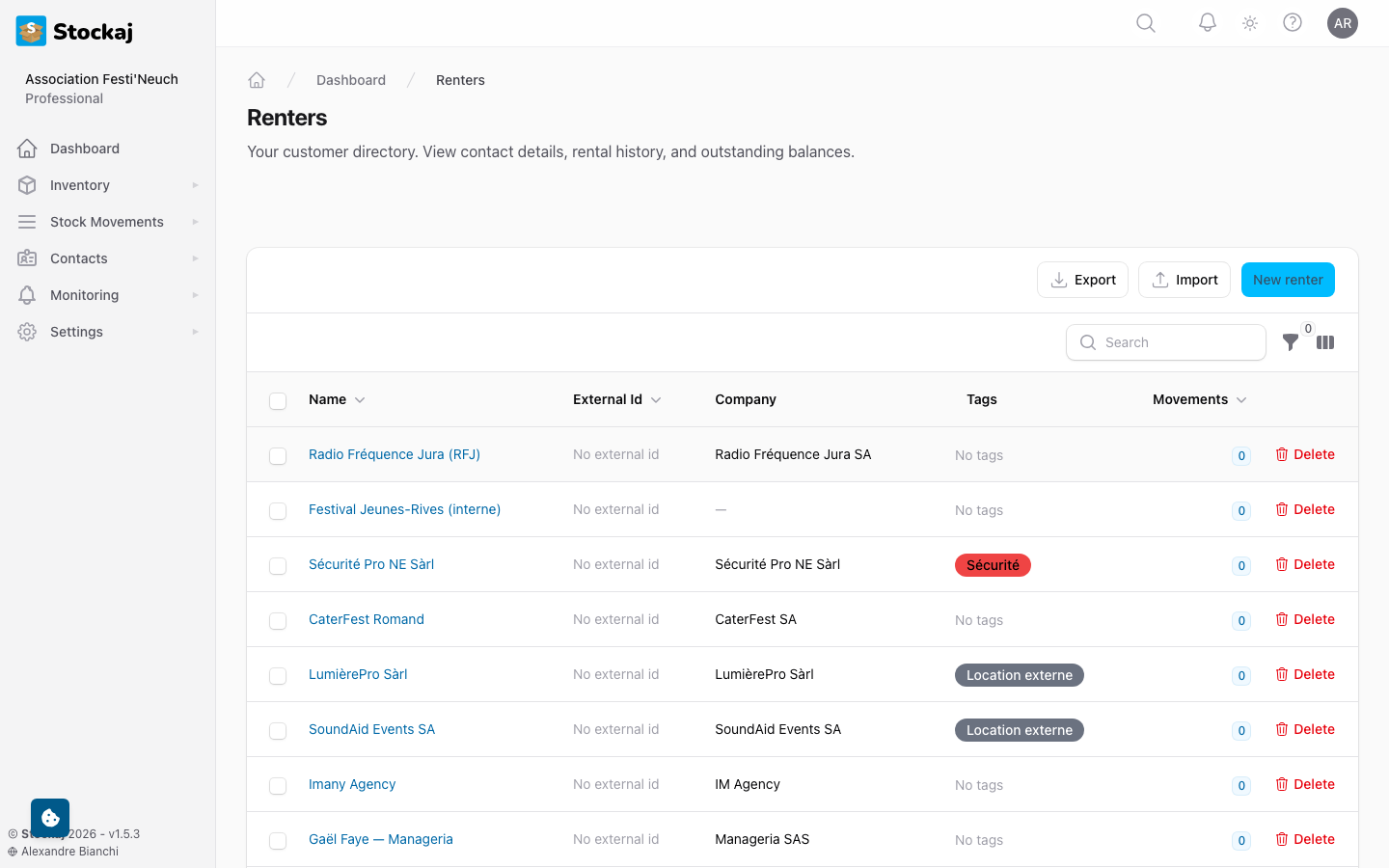
Navigate to Contacts → Renters to view all contacts in your workspace.
Search & Filter
- Search — Find renters by name, email, company, or external ID
- Tags — Filter by assigned tags
- Sort — Sort by name, date created, or activity
Creating a Renter
- Go to Contacts → Renters and click + New Renter.
- Fill in the details:
| Field | Required | Description |
|---|---|---|
| Name | Yes | Full name of the renter |
| No | Email address | |
| Phone | No | Phone number |
| Mobile | No | Mobile phone number |
| Company Name | No | Organization name |
| Company Position | No | Job title or role |
| External ID | No | ID from an external system (must be unique) |
| Description | No | Notes about this renter |
| Tags | No | Assign tags for categorization |
- Click Create.
You can also create renters on the fly while creating a rental — no need to navigate away.
Renter Dashboard
Click on a renter to view their complete profile.
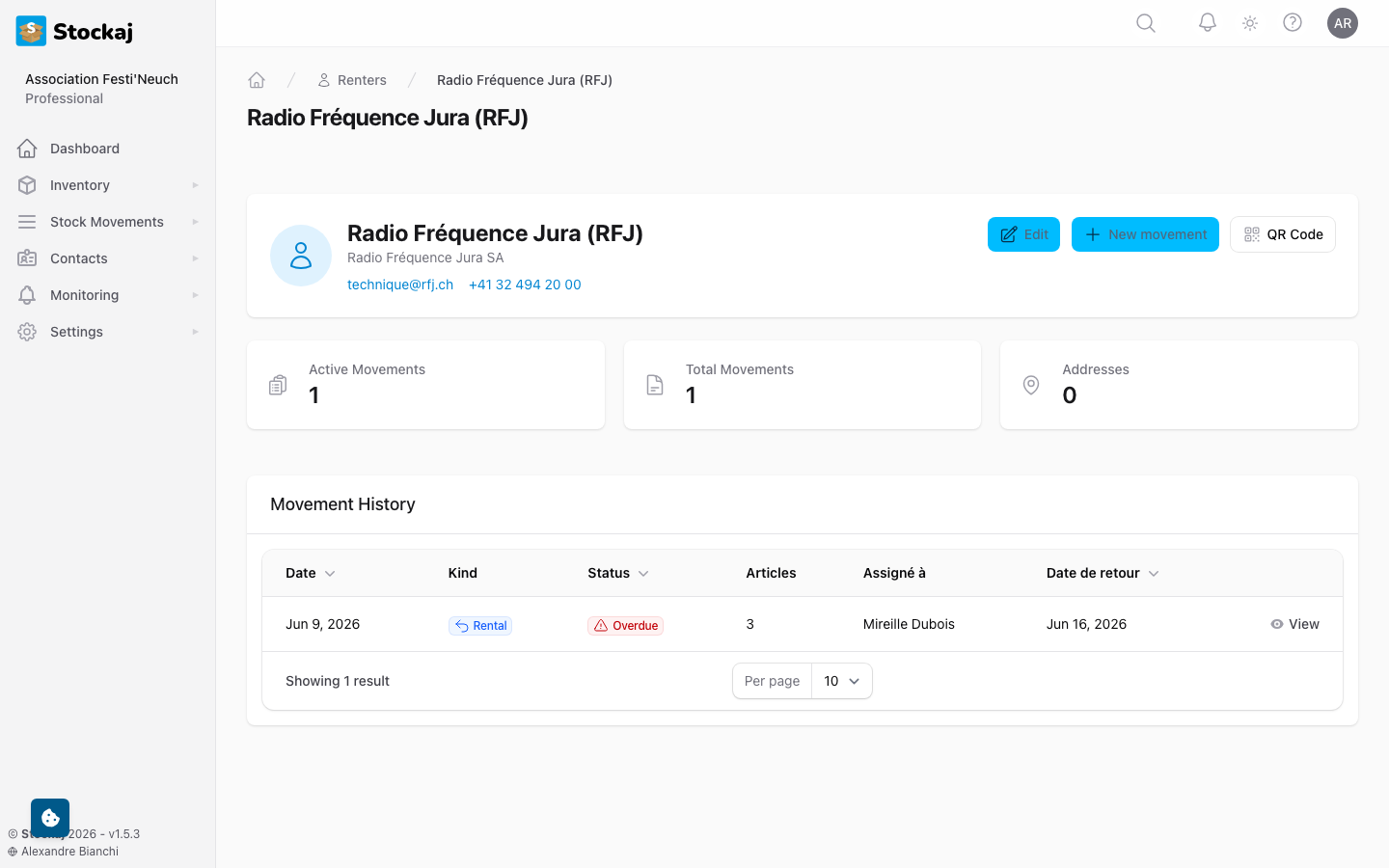
The dashboard includes:
- Contact Details — All personal and company information
- Rental History — All past and current rentals for this renter
- Tags — Applied tags
- Activity — Recent changes and interactions
Addresses
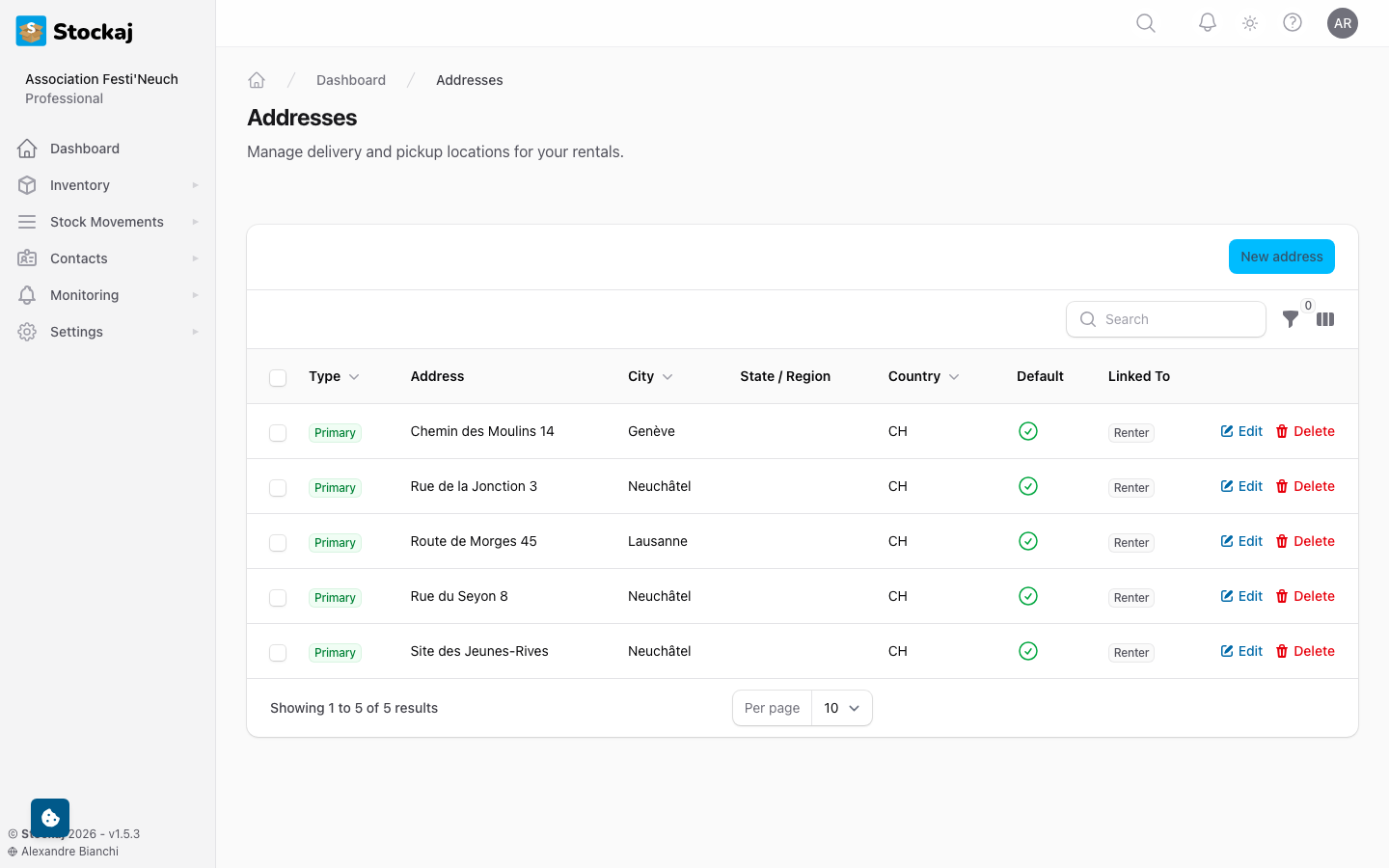
Manage renter addresses under Contacts → Addresses. Addresses can be linked to renters and used for delivery information.
Importing Renters
Bulk-import renters from a spreadsheet:
- Go to Contacts → Renters and click Import.
- Upload your CSV or Excel file.
- Use the Import Wizard to map columns.
- Review and click Import.
Exporting Renters
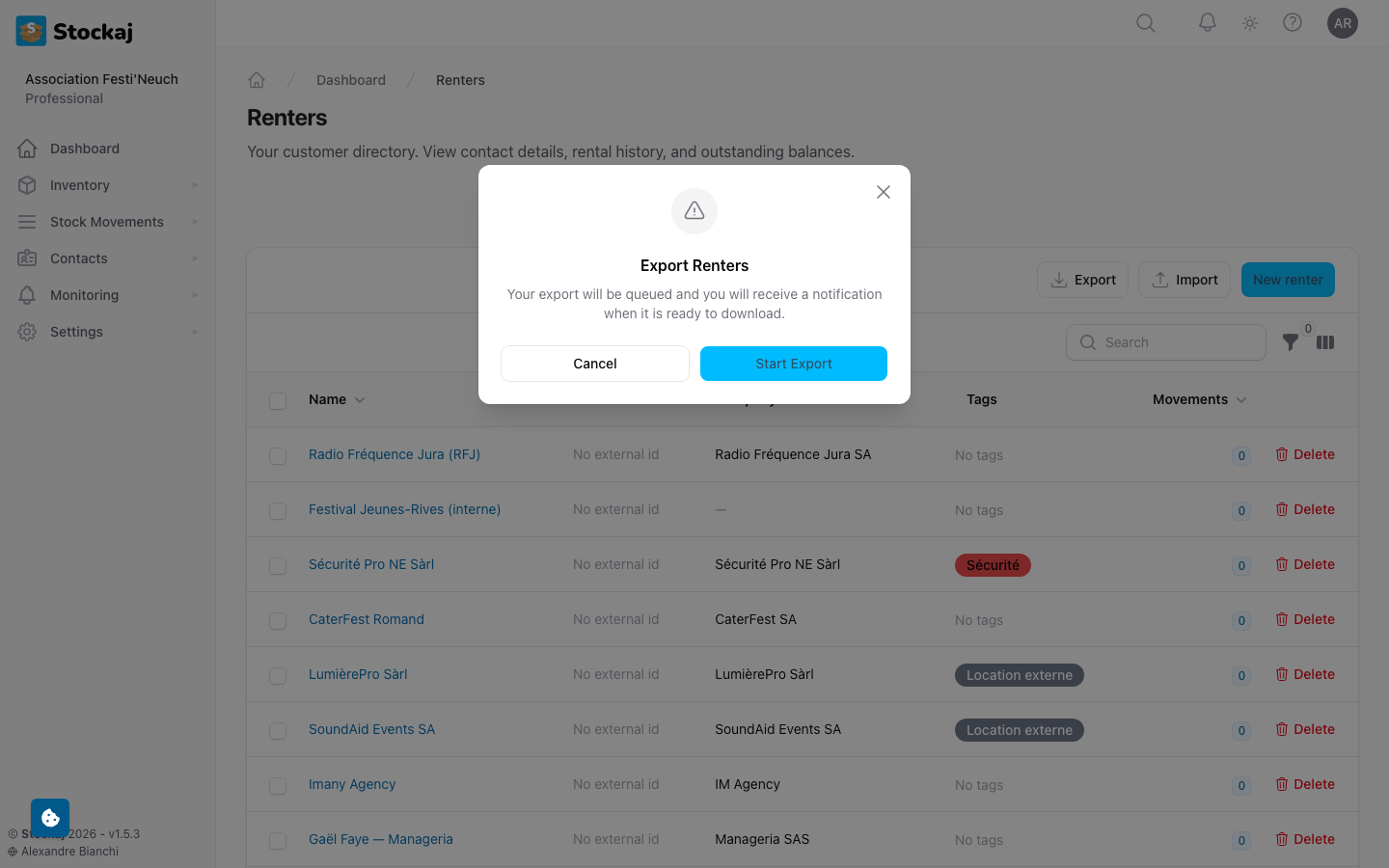
- From the renters list, click Export.
- Choose CSV or Excel format.
- The file downloads with all renter data.
Mail Merge (Bulk Email)
Mail Merge is available on Starter plans and above and is restricted to Owner and Admin roles.
Send bulk emails to groups of renters:
- Navigate to Contacts → Mail Merge.
- Select recipients (by tag, individual selection, or search).
- Compose your message.
- Preview and send.
Rate Limits
Mail merge has rate limits based on your plan:
| Plan | Per Minute | Per Day | Max Recipients |
|---|---|---|---|
| Free | — | — | — |
| Starter | 30 | 1,000 | 200 |
| Professional | 60 | 5,000 | 500 |
| Enterprise | Unlimited | Unlimited | Unlimited |
Deleting & Restoring Renters
- Delete — Renters are soft-deleted and can be restored.
- Restore — Access trashed renters via filters and click Restore.
Generating Renter PDF
You can export a renter's profile and rental history as a PDF document from their dashboard.